
What to automate in recruiting first, and what to keep human

Short answer
Automate the steps that are repetitive and easy to undo first: interview scheduling, notes and transcripts, sourcing searches, ranked shortlists and first drafts of messages. Keep rejections, interviews, reference checks and offers human, and check rules such as NYC Local Law 144 and Illinois HB 3773 before automating screening.
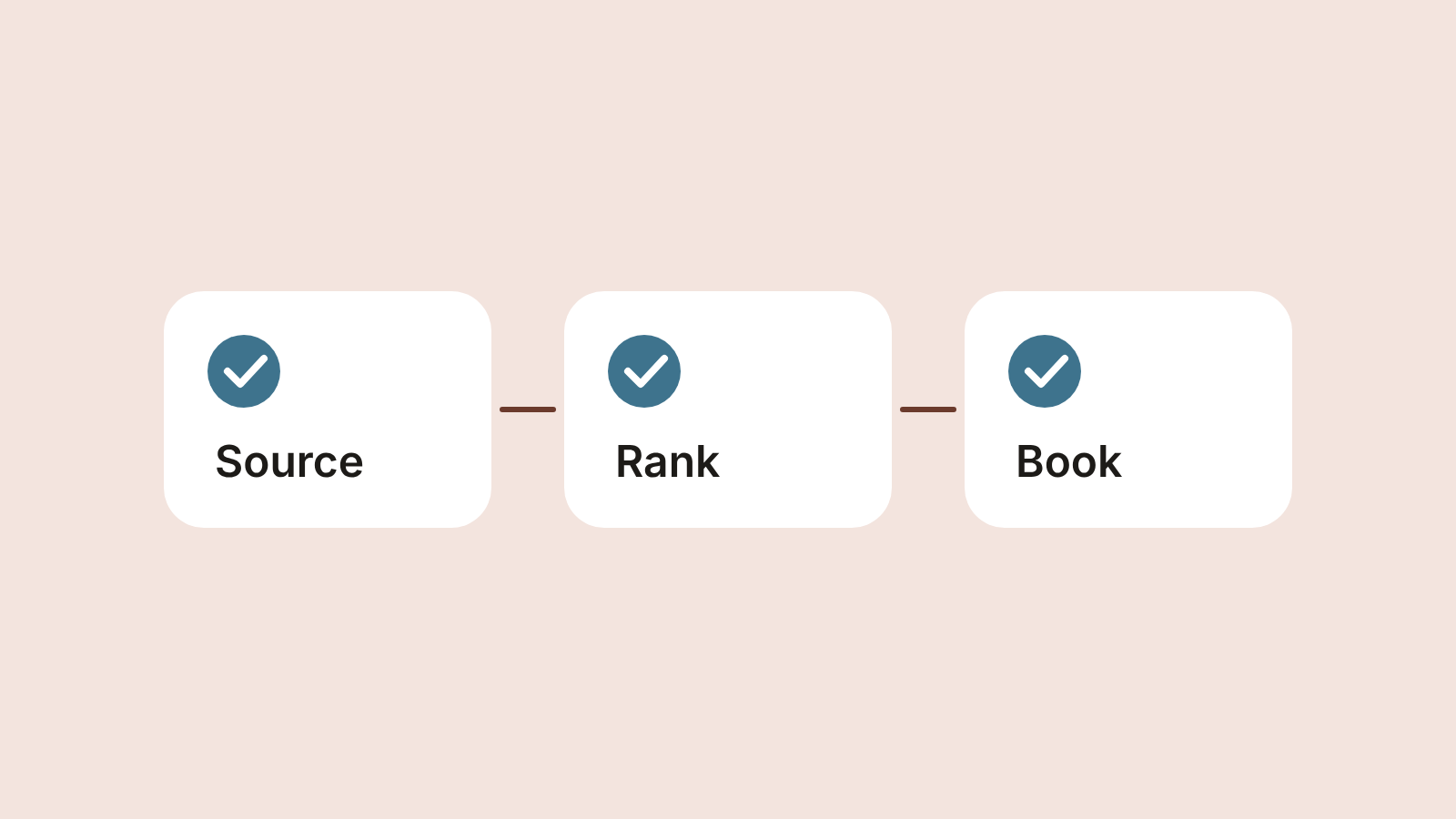
Recruitment automation fails in two predictable ways. Teams automate the wrong step first, usually the rejection email, and save no real time. Or they automate a decision instead of a task, and end up with a process nobody can explain to a candidate or a regulator. The fix is an order: automate the steps that are repetitive and easy to undo first, and keep the steps that decide someone's job in human hands.
How many teams are already doing this
Adoption has moved fast. In iHire's 2025 survey of 529 US employers, 25.9% said they used AI in recruiting, up from 14.7% in 2024 and 4.9% in 2023 (iHire, State of Online Recruiting 2025). LinkedIn's survey of more than 1,000 talent professionals found that 37% of organizations were integrating or experimenting with generative AI in hiring, up from 27% a year earlier, and that those already using it saved about 20% of their work week (LinkedIn, Future of Recruiting 2025). Both are vendor surveys, so read them as direction rather than precise measurement.
The Reversibility Test
Before automating any step, ask one question: if the software gets this wrong, can a person catch and undo it before it affects a candidate?
Yes, easily: automate it. A badly scheduled call gets rescheduled. A weak search gets rerun.
Yes, with a review step: automate the draft and keep a person on the approval. A shortlist is fine if someone reads it before anyone is rejected.
No: keep it human. A rejected candidate rarely reapplies, and an offer can't be quietly withdrawn.
What to automate, in order
| Order | Step | Why it goes here | The human check |
|---|---|---|---|
| 1 | Interview scheduling | Pure logistics, high volume, fully reversible | None needed beyond your calendar rules |
| 2 | Notes and transcripts | Frees the interviewer to listen; the record makes decisions comparable | Interviewer reads and corrects notes the same day |
| 3 | Sourcing searches | The most hours per hire; a search can always be widened or rerun | Hiring manager checks the brief before the search runs |
| 4 | Ranking and shortlists | Turns hundreds of profiles into a short list to review | A person reviews the list and can pull anyone back in |
| 5 | First drafts of messages and job posts | Saves writing time on repetitive text | A person edits and sends |
1. Scheduling
Back-and-forth over times is the purest waste in hiring. A booking link tied to your calendar, or booking straight from a candidate's profile, removes it without touching any judgment.
2. Notes and transcripts
Recording interviews, with the candidate's consent, does two jobs. The interviewer stops typing and starts listening, and every candidate is judged on what they said rather than on what someone remembers a week later. In Hirespot every booked interview is recorded with a transcript, and your notes stay on the candidate's profile.
3. Sourcing searches
Searching is where most recruiter hours go, and it is the step AI handles best because the output is a list you review, not a decision. The quality depends on the brief: role, main skill, countries, languages, hours and budget. What an AI recruiter does includes a brief you can copy, and candidate sourcing tools compared covers the options.
4. Ranking and shortlists
Ranking is useful when it puts the strongest matches first and shows why. It becomes risky when a low rank silently means "rejected". Keep every candidate reviewable, and make sure a person decides who is out.
5. First drafts
Job posts, outreach messages and interview questions are good first-draft work for an AI assistant. They still go out under your name, so a person edits each one.
What to keep human
Rejecting a candidate. Automation can suggest; a person decides, especially at the screening stage where most candidates leave.
The interview itself. Fit with your team, judgment under pressure and how someone handles a question they didn't expect come out in conversation.
Reference checks. A real conversation with a former manager surfaces things no profile shows.
The offer. Pay, start date and terms are a negotiation between people.
Accommodation requests. Anyone asking for a change to the process should reach a person quickly.
The rules that apply to automated hiring
Several laws already cover software that screens or ranks candidates. This is a summary, not legal advice; check with counsel for your situation.
New York City, Local Law 144. Employers using an automated employment decision tool on candidates in NYC need a bias audit within one year of use, must publish the results and must notify candidates. NYC's consumer protection department says the notice must be given 10 business days before use, and has enforced the law since July 5, 2023 (NYC DCWP).
Illinois, HB 3773. Since January 1, 2026, the Illinois Human Rights Act makes it a violation to use AI that has a discriminatory effect on protected classes, to use zip codes as a proxy for them, or to fail to give notice that AI is being used (Public Act 103-0804).
European Union, AI Act. AI used in employment, including recruitment and selection, is classed as high-risk. After the 2026 simplification agreement, the rules for those systems apply from December 2, 2027 (European Commission).
US federal law still applies. Title VII and the Uniform Guidelines on Employee Selection Procedures cover any selection method, automated or not. The cost guide on AI recruiting costs covers the four-fifths rule and the compliance time it adds.
The order above helps here too. Scheduling, transcripts and searches that a person reviews are far easier to explain and audit than a tool that rejects people on its own.
A 30-day rollout
Week 1: turn on self-booking for interviews and start recording calls with consent.
Week 2: write one brief per open role and run the searches with an AI recruiter. Compare the matches with what your last job post produced.
Week 3: agree on who reviews shortlists and how fast, and write down what makes someone a "no".
Week 4: measure hours per hire, days to first interview and how many shortlisted candidates you actually interviewed. Keep what saved time; drop what didn't.
If your team works inside Claude or ChatGPT, you can run step 3 from there. See how to use an AI recruiter from Claude or ChatGPT with MCP.
Questions
What should I automate first in recruiting?
Interview scheduling, because it is pure logistics and fully reversible. Then interview notes and transcripts, sourcing searches, ranked shortlists that a person reviews, and first drafts of job posts and messages.
Which recruiting decisions should stay human?
Rejecting candidates, the interview itself, reference checks, the offer and any accommodation request. Software can suggest and rank, but a person should decide anything that changes who gets a job.
Are there laws on using AI in hiring?
Yes. NYC Local Law 144 requires a bias audit and candidate notice for automated employment decision tools, Illinois HB 3773 has covered AI in employment since January 1, 2026, and the EU AI Act treats recruitment AI as high-risk from December 2, 2027. This is not legal advice.

Try Spotter on your next hire
Describe who you need and get your best matches from 400,000+ candidates.