
How to use an AI recruiter from Claude or ChatGPT with MCP

Short answer
Add the Hirespot MCP server (https://app.hirespot.co/api/mcp) as a custom connector in Claude or a custom MCP server in ChatGPT, sign in with your Hirespot account, then ask for candidates in plain words. Your assistant searches 400,000+ candidates and returns ranked matches in the chat.
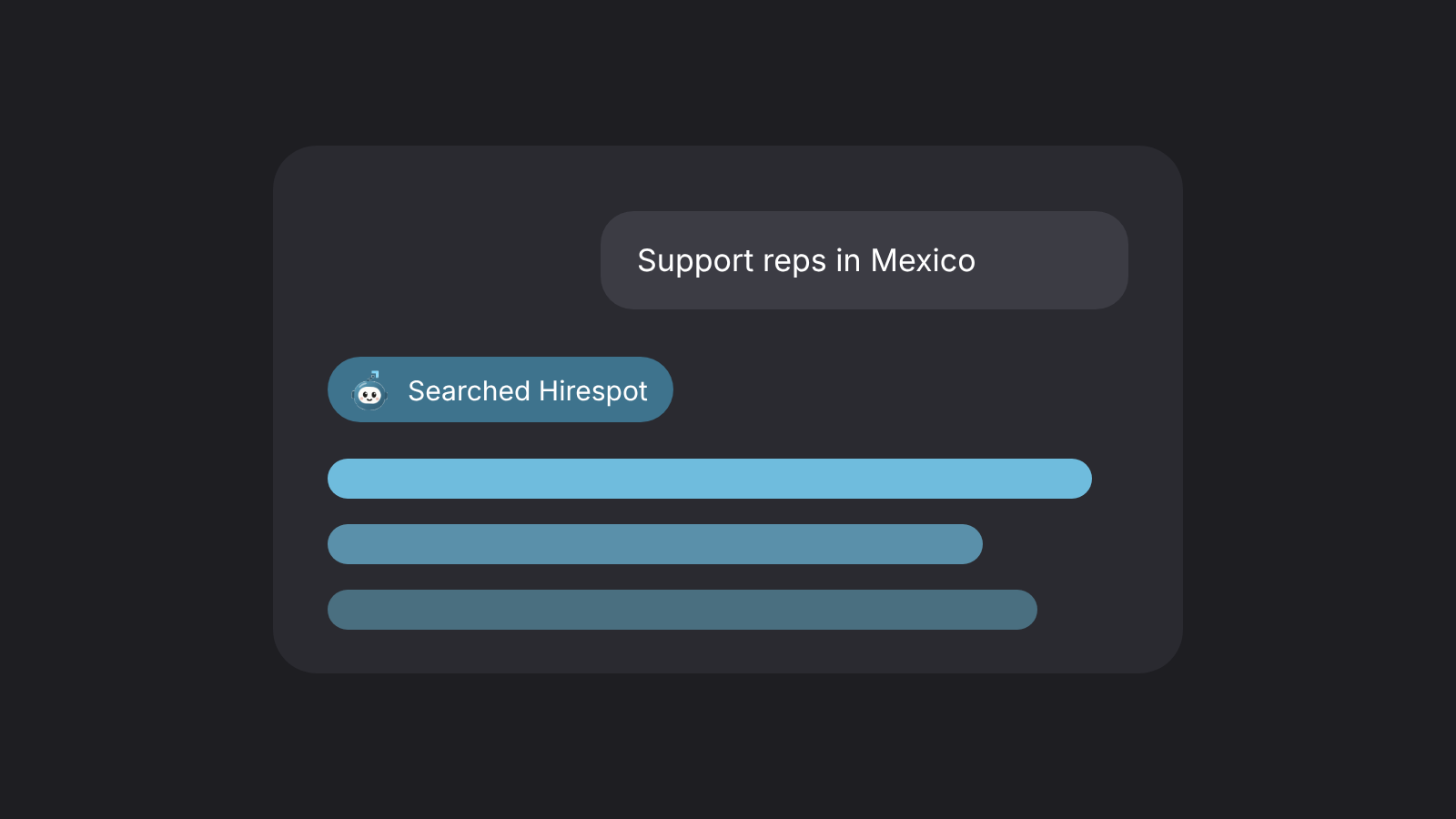
Most hiring work already happens next to an AI assistant: the job brief gets drafted in Claude, the interview questions in ChatGPT, the scorecard in a doc the assistant helped write. The search itself usually happens somewhere else. MCP closes that gap. With the Hirespot MCP server connected, you ask your assistant for candidates in plain words and it searches the Hirespot pool for you, in the same chat where the rest of the hiring work lives.
This guide covers what MCP is, how to connect Hirespot to Claude and ChatGPT step by step, the prompts that return good matches, and the limits worth knowing before you rely on it.
What MCP is, in one paragraph
The Model Context Protocol (MCP) is an open standard that lets an AI assistant call tools hosted by another service. Anthropic introduced it in November 2024, OpenAI adopted it in March 2025, and in December 2025 Anthropic donated it to the Agentic AI Foundation, a fund under the Linux Foundation co-founded by Anthropic, Block and OpenAI (Wikipedia summary with primary sources). In practice it means one connector works across assistants: the same Hirespot server answers Claude, ChatGPT and any other client that supports remote MCP servers.
What the Hirespot MCP server does
Hirespot is an AI recruiter. Its recruiter, Spotter, searches a database of 400,000+ candidates around the world and ranks the best matches for a role. The MCP server exposes that search to your assistant through a tool called search_candidates. You write the request, the assistant passes your role, countries, languages, hours and budget to Hirespot, and the ranked matches come back into the chat.
What you ask for: the role, the main skill or tool, the countries you are open to, the languages, the hours they must overlap with yours and the monthly budget.
What comes back: your best matches from Hirespot, ranked, with where each person is based and their monthly rate.
What stays in Hirespot: the full profile, the video intro and CV, interview booking and recorded interviews with transcripts. Open the candidate in Hirespot when you want to go deeper.
If you are new to the idea, what an AI recruiter does and doesn't do explains the split between the search the software runs and the decisions you keep.
Before you connect
A Hirespot account. Creating one is free at app.hirespot.co. Hirespot works with credits, and your balance is visible in the app.
The server URL: https://app.hirespot.co/api/mcp. The server uses OAuth, so you sign in with your Hirespot account when the assistant asks. You never paste a password or an API key into the assistant.
An assistant plan that allows custom connectors. The plan rules differ between Claude and ChatGPT, and they are covered below.
Connect Hirespot to Claude
Anthropic calls these custom connectors. According to Claude's help center, they work in Claude on the web, Claude Desktop and Cowork on Free, Pro, Max, Ultra, Team and Enterprise plans, and Free users are limited to one custom connector.
On a Pro or Max plan
Go to Customize > Connectors.
Click + Add, then Add custom connector.
Name it Hirespot and paste https://app.hirespot.co/api/mcp as the remote MCP server URL. Click Continue.
Review the authentication settings Claude detected and keep sign-in on. Click Add, then sign in to Hirespot when prompted.
In a new chat, open the + menu at the lower left, choose Connectors and switch Hirespot on for that conversation.
On a Team or Enterprise plan
Only Owners and Primary Owners can add a custom connector to a Team organization; on Enterprise, Owners and people with a custom role that includes library management can. The owner adds it under Organization settings > Connectors with Add > Custom > Web. Each member then goes to Customize > Connectors, finds Hirespot and clicks Connect to sign in with their own Hirespot account, so every person only sees their own searches.
One detail that saves a support ticket: Claude reaches remote MCP servers from Anthropic's cloud, not from your laptop, even in the desktop app. Hirespot's server is public, so no firewall changes are needed.
Connect Hirespot to ChatGPT
OpenAI's rules are stricter. Per OpenAI's help center, full custom MCP connections are available on ChatGPT Business and Enterprise/Edu, on the web only, and on Business only admins and owners can create them. Pro users can connect custom MCP servers with read and fetch permissions.
Go to Plugins, select the + button and choose Add custom MCP server.
Enter Hirespot as the name and https://app.hirespot.co/api/mcp as the public HTTPS endpoint.
Set authentication to OAuth, read the risk warning and tick I understand and want to continue.
Select Create as a plugin, sign in to Hirespot and review the discovered tools.
Start a new conversation, type @, pick Hirespot and write your request.
ChatGPT applies the app selection to one message at a time. When a follow-up needs a fresh search, mention Hirespot again.
Other MCP clients
Cursor, VS Code, Windsurf, Claude Code and other clients that support remote MCP servers connect the same way: add a server, paste the URL, sign in. The menu names change from client to client, so check your client's documentation for where remote servers live.
Prompts that return good matches
The assistant can only pass along what you write. A vague request like "find me a good assistant" forces it to guess. The five details below are the same ones a recruiter would ask for on an intake call, and each one narrows the search in a way that matters.
| Detail | Weak | Strong |
|---|---|---|
| Role and main skill | Accountant | Bookkeeper who runs month-end close in QuickBooks Online |
| Countries | LATAM | Colombia or Mexico |
| Languages | Good English | Fluent English and Spanish |
| Hours | Flexible | Works 9 to 5 US Eastern |
| Budget | Affordable | Up to $2,000 a month |
Four requests you can copy and adapt:
"Find me a bookkeeper in Colombia or Mexico who knows QuickBooks Online. English and Spanish, US Eastern hours, up to $2,000 a month."
"Search Hirespot for an executive assistant in the Philippines or Colombia who has supported a founder. Calendar, inbox and travel, at least 4 hours of overlap with Pacific time, up to $1,800 a month."
"I need a support rep in Mexico or Peru for chat and email in English and Spanish, with Zendesk experience, covering US Central hours, under $1,600 a month."
"Find an SDR in Brazil or South Africa who has sold B2B SaaS to US companies and works in HubSpot. Base up to $2,200 a month."
Then use the assistant for what it is good at: "Compare the top three on QuickBooks experience and hours", "Draft five interview questions for the first match based on her profile" or "Write a short paid test for this role". The search comes from Hirespot; the follow-up work happens in your chat.
The Hand-Off Rule: what to do in the chat, and what to do in Hirespot
An assistant is fast at narrowing and drafting, and weak at judging people from a short summary. A simple rule keeps the two in the right places:
In the chat: run and refine searches, compare matches on the brief, draft interview questions, draft the paid test, summarize your notes.
In Hirespot: watch the video intro, read the full CV, book the interview and review the recording and transcript.
With people: the interview, the reference checks and the decision to hire.
If a step changes who gets an offer, it belongs in the last two groups.
Security and limits worth knowing
Connect only servers you trust. Both Anthropic and OpenAI warn that custom connectors are not verified by them and that a malicious server can try prompt injection. Use the exact Hirespot URL above and review tool calls when the assistant asks.
Access follows your account. Each person signs in with their own Hirespot account, and you can disconnect the connector at any time from your assistant's settings.
Searches use your Hirespot credits the same way a search in the app does.
ChatGPT doesn't support custom MCP on mobile. Use the web app to connect and run searches.
The assistant can summarize, not verify. Treat its comparison as a starting point and confirm the details on the candidate's profile.
For a wider view of where AI fits in the hiring process, what to automate in recruiting first, and what to keep human walks through the order step by step, and candidate sourcing tools compared shows how an AI recruiter stacks up against databases and job boards.
Questions
What is the Hirespot MCP server URL?
It is https://app.hirespot.co/api/mcp. The server uses OAuth, so you sign in with your Hirespot account when your assistant asks. You never paste a password or API key into the chat.
Which Claude and ChatGPT plans can connect a custom MCP server?
Claude allows custom connectors on Free, Pro, Max, Ultra, Team and Enterprise plans, with Free limited to one. ChatGPT offers full custom MCP connections on Business and Enterprise/Edu, on the web only, and Pro users can connect servers with read and fetch permissions.
Does searching from Claude or ChatGPT cost anything extra?
Searches through MCP use your Hirespot credits the same way a search in the app does. Creating a Hirespot account is free.

Try Spotter on your next hire
Describe who you need and get your best matches from 400,000+ candidates.